
Ascora API Integration in WordPress
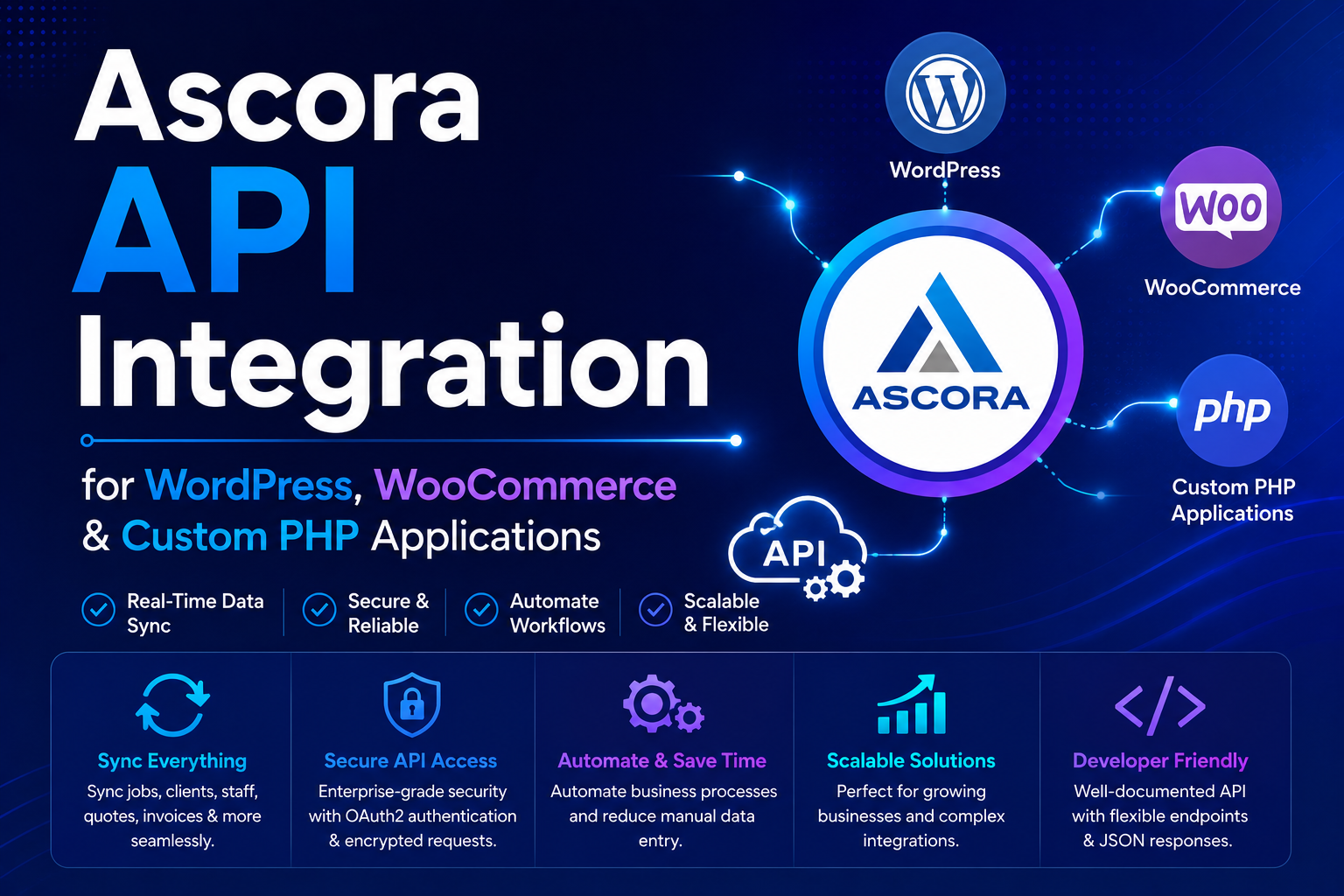
Ascora API Integration for WordPress, WooCommerce & Custom PHP Applications
In 2026, trade and field service businesses are increasingly automating their customer enquiry workflows, job management systems, and CRM synchronization using real-time API integrations instead of manual administration processes.
The Ascora API provides a powerful infrastructure for integrating websites, mobile applications, WordPress forms, and custom business systems directly with the Ascora CRM platform.
If you are searching for:
- Ascora API integration
- WordPress Ascora synchronization
- Contact Form 7 Ascora integration
- Custom PHP Ascora development
- WooCommerce Ascora automation
- Trade business CRM synchronization
This guide explains how the Ascora API works and how developers can automate enquiries, attachments, and customer workflows directly into the Ascora platform.
What Is Ascora?
Ascora is a trade and field-service business management platform designed to help companies streamline operations, automate workflows, and manage customer enquiries more efficiently.
Ascora is commonly used by:
- Electrical contractors
- HVAC businesses
- Plumbing companies
- Cleaning services
- Construction companies
- Maintenance contractors
- Trade service providers
The platform helps businesses automate:
- Enquiry management
- Job scheduling
- Customer communication
- File attachments
- Technician workflows
- CRM processes
- Operational administration
For more information, you can visit the official Ascora website:
Ascora API Endpoints Covered in This Guide
- API Authorization
- Create Enquiry
- Upload Attachments
Why Businesses Integrate with the Ascora API
Manual enquiry processing slows down operations and creates unnecessary administration overhead.
Modern businesses use API integrations to automate:
- Website lead submissions
- Customer enquiries
- Document uploads
- CRM synchronization
- Job creation workflows
- Real-time customer communication
- WordPress form automation
This improves:
- Response times
- Operational efficiency
- Lead management
- Workflow automation
- Data accuracy
- Customer experience
1. Ascora API Authorization
The first step in the integration process is validating the Ascora API token.
The API token establishes secure communication between your website or application and the Ascora platform.
Authorization validation ensures:
- Authenticated API requests
- Secure data transmission
- Valid API permissions
- Reliable synchronization workflows
- Error prevention during requests
Ascora API Authorization Example (PHP cURL)
$curl = curl_init();

curl_setopt_array($curl, array(
    CURLOPT_URL => 'https://api.ascora.com.au/Enquiry',
    CURLOPT_RETURNTRANSFER => true,
    CURLOPT_ENCODING => '',
    CURLOPT_MAXREDIRS => 10,
    CURLOPT_TIMEOUT => 0,
    CURLOPT_FOLLOWLOCATION => true,
    CURLOPT_HTTP_VERSION => CURL_HTTP_VERSION_1_1,
    CURLOPT_CUSTOMREQUEST => 'POST',
    CURLOPT_POSTFIELDS => '',
    CURLOPT_HTTPHEADER => array(
        'Auth: {your ascora api token here}',
        'Content-Type: application/json'
    ),
));

$response = curl_exec($curl);

curl_close($curl);
If the API token is valid, Ascora will return a successful response. Invalid or expired tokens will return an authentication error.
2. Creating Enquiries in Ascora via API
After successful authorization, developers can create enquiries directly inside the Ascora CRM using API requests.
This allows websites and applications to automatically push customer enquiries into Ascora in real time.
Common integration use cases include:
- Website contact forms
- Quote request systems
- Service booking forms
- Lead capture pages
- WooCommerce checkout workflows
- Custom PHP applications
- WordPress automation systems
Ascora Create Enquiry API Request
$curl = curl_init();

curl_setopt_array($curl, array(
    CURLOPT_URL => 'https://api.ascora.com.au/Enquiry',
    CURLOPT_RETURNTRANSFER => true,
    CURLOPT_ENCODING => '',
    CURLOPT_MAXREDIRS => 10,
    CURLOPT_TIMEOUT => 0,
    CURLOPT_FOLLOWLOCATION => true,
    CURLOPT_HTTP_VERSION => CURL_HTTP_VERSION_1_1,
    CURLOPT_CUSTOMREQUEST => 'POST',
    CURLOPT_POSTFIELDS => json_encode($data),
    CURLOPT_HTTPHEADER => array(
        'Auth: {your ascora api token here}',
        'Content-Type: application/json'
    ),
));

$response = curl_exec($curl);

curl_close($curl);
The $data variable contains the enquiry details that will be sent to Ascora.
Typical enquiry fields include:
- Customer name
- Email address
- Phone number
- Service type
- Job description
- Address information
- Custom form fields
Once submitted successfully, the enquiry becomes immediately available inside the Ascora dashboard.
3. Uploading Attachments to Ascora Enquiries
The Ascora API also supports file uploads and attachment synchronization.
This allows businesses to attach:
- Images
- PDF files
- Technical documents
- Inspection reports
- Customer-uploaded photos
- Supporting attachments
Attachments can be uploaded directly to an existing enquiry using the enquiry entity ID returned from the previous API response.
Ascora Attachment Upload Example
$ent_id = $_enq['entityId'];

$curl = curl_init();

curl_setopt_array($curl, array(
    CURLOPT_URL => 'https://api.ascora.com.au/Attachments/Enquiry/' . $ent_id,
    CURLOPT_RETURNTRANSFER => true,
    CURLOPT_ENCODING => '',
    CURLOPT_MAXREDIRS => 10,
    CURLOPT_TIMEOUT => 0,
    CURLOPT_FOLLOWLOCATION => true,
    CURLOPT_HTTP_VERSION => CURL_HTTP_VERSION_1_1,
    CURLOPT_CUSTOMREQUEST => 'POST',
    CURLOPT_POSTFIELDS => array(
        '' => new CURLFILE($attachment)
    ),
    CURLOPT_HTTPHEADER => array(
        'Auth: {your ascora api token here}'
    ),
));

$response_att = curl_exec($curl);

curl_close($curl);
This workflow allows files to be automatically attached to enquiries directly inside the Ascora CRM system.
WordPress & Contact Form 7 Integration with Ascora
The Ascora API can easily be integrated into:
- Custom PHP websites
- WordPress websites
- WooCommerce stores
- Contact Form 7 forms
- Elementor forms
- Custom lead systems
Businesses commonly use WordPress integrations to automate:
- Contact form submissions
- Quote requests
- Service bookings
- Attachment uploads
- CRM synchronization
- Customer workflow automation
Custom Contact Form 7 Extension for Ascora
We have also developed a custom Contact Form 7 extension for Ascora that allows WordPress websites to connect directly with the Ascora API without manual coding.
The extension supports:
- Automatic enquiry creation
- Attachment synchronization
- Custom field mapping
- Real-time API submission
- WordPress workflow automation
- Trade business CRM integration
You can learn more about the extension here:
Download Contact Form 7 Extension for Ascora
Real-Time Ascora Automation Workflow
Modern Ascora integrations typically work like this:
- User submits form on website
- Application validates API authorization
- Enquiry data is pushed into Ascora
- Attachments are uploaded automatically
- Ascora creates CRM records in real time
- Business staff receives notifications instantly
Why Businesses Are Automating Ascora Workflows
Modern automation systems help businesses eliminate manual administration processes.
Benefits include:
- Faster lead handling
- Reduced manual data entry
- Improved customer response times
- Centralized enquiry management
- Real-time CRM synchronization
- Better workflow efficiency
- Scalable business automation
Why Work With Me?
I specialize in:
- Ascora API integrations
- WordPress automation
- WooCommerce synchronization
- Contact Form 7 development
- Custom PHP middleware
- CRM synchronization systems
- Real-time API automation
- Business workflow integrations
With extensive experience in:
- REST APIs
- PHP development
- Laravel middleware systems
- WordPress plugin development
- WooCommerce integrations
- Automation architecture
I help businesses build scalable automation systems instead of relying on manual administration workflows.
Frequently Asked Questions
Q: Can Ascora be integrated with WordPress?
Yes. Ascora can be integrated with WordPress forms, WooCommerce, Contact Form 7, and custom plugins.
Q: Can files and attachments be uploaded automatically?
Yes. The Ascora API supports automatic attachment uploads directly into enquiries.
Q: Can I integrate custom PHP applications with Ascora?
Yes. Custom PHP applications can communicate directly with the Ascora API using cURL or REST requests.
Q: Can WooCommerce orders create Ascora enquiries?
Yes. WooCommerce workflows can be synchronized with Ascora automatically.
Q: Can Contact Form 7 submit data into Ascora?
Yes. Custom Contact Form 7 integrations and plugins can synchronize forms directly with Ascora.
Need Help with Ascora API Integration?
If you need help with:
- Ascora API integration
- WordPress synchronization
- WooCommerce automation
- Contact Form 7 integration
- Custom PHP development
- Real-time enquiry synchronization
- Attachment upload workflows
- Business process automation
📩 Contact me on Upwork to discuss your project.
🎯 Order on Fiverr for custom Ascora API integration and workflow automation services.